Analisis Efektivitas Taktik Mengarahkan Kok ke Sisi Backhand Lawan Terus
Disney Dreamlight Valley White Marsh Milkweed Locations And Uses
Foraging materials in Disney Dreamlight Valley play a crucial role in progressing through quests, crafting unique decorations, and forming deeper friendships with village residents. Among the diverse flora available across the biomes, the White Marsh Milkweed stands out as a key resource found in specific swampy environments. Knowing where to locate this plant and how to use it effectively helps players manage their inventory and complete objectives efficiently.
White Marsh Milkweed naturally spawns exclusively within the Glade of Trust biome. Players must first unlock this area using Dreamlight to access the damp terrain where these distinct plants grow. Searching along the muddy banks and near large trees typically yields the best results during daily foraging runs.
Because flowers share spawn limits within a biome, picking up all existing plants encourages new blooms to appear over time. If the flower appears out of reach due to environmental obstacles, players can temporarily move the biome's Wishing Well in Furniture Mode to access locked sections. Consistently clearing the ground ensures a steady supply of this specific floral variety.
Distinguishing the White Marsh Milkweed from other plants in the Glade of Trust can sometimes prove challenging due to the lighting in the biome. Its visual features can occasionally blend with green foliage or look similar to blue variants under certain weather conditions.
To avoid confusion, picking up any spotted milkweed allows players to immediately verify the item name in their inventory. Keeping lighting adjusted in the game options can also help highlight the subtle white highlights on the flower's petals. Storing harvested specimens in dedicated biome chests makes organizing your collection simple.
The main purpose of collecting White Marsh Milkweed centers on crafting recipes and fulfilling character quest lines. Certain village quests require gathering specific flowers to build structures, upgrade tools, or complete story progression steps. Additionally, it can serve as a favorite daily gift for select characters to boost friendship levels quickly.
Crafters also utilize this plant to create decorative items, flower arrangements, and custom furniture pieces to personalize the valley. If you need extra Star Coins, extra flowers can be sold at Goofy's Stall for a quick profit. Maintaining a small hoard of flowers in storage guarantees you are prepared for future update requirements.
Bringing along a companion assigned to the Foraging role increases the yield of harvested plants significantly. While the bonus items do not count directly toward some quest collection thresholds, they provide extra materials for crafting and selling.
Establishing a routine routine where you clear the Glade of Trust periodically prevents flower caps from stopping new spawns. Stockpiling a chest near the biome entrance saves inventory space and streamlines future quest completion.
Xbox One Controller Keeps Disconnecting PC And How To Fix It
Using an Xbox One controller on a PC provides a smooth gaming experience, but unexpected disconnects can quickly disrupt your gameplay. Whether your gamepad turns off completely or repeatedly drops its wireless signal during intense sessions, identifying the root cause is essential for a stable setup. By addressing common hardware glitches, wireless interference, and driver settings, you can resolve these frustrating connection drops effectively.
Weak batteries or depleted rechargeable packs are among the most frequent causes of sudden controller disconnects. When power drops below a certain threshold, the controller may struggle to maintain a strong wireless link with your computer. Replacing old AA batteries or fully charging your battery pack often restores a solid connection immediately.
If you prefer a wired setup, inspect your Micro-USB cable and PC ports for physical wear or loose fits. Faulty cables can cause brief power interruptions whenever the controller moves, causing Windows to drop the device. Swapping to a high-quality data cable or connecting to a rear USB port on your PC motherboard can provide more stable power delivery.
Wireless signal disruption often leads to random dropouts when using Bluetooth or the official Xbox Wireless Adapter. Other electronic devices, such as Wi-Fi routers, wireless headsets, and smartphones, can interfere with the 2.4 GHz frequency band. Positioning your wireless receiver closer to your controller helps maintain a direct line of sight and reduces signal attenuation.
For Bluetooth connections, outdated motherboard drivers can lead to inconsistent pairing performance. Updating your PC's Bluetooth drivers through the manufacturer's website ensures better compatibility with Xbox hardware. If dropouts persist, removing the controller from your Bluetooth settings and re-pairing it can clear corrupted connection profiles.
Windows includes aggressive power-saving features designed to turn off inactive USB hubs and wireless adapters to conserve energy. Unfortunately, these automated settings sometimes misidentify active controllers as idle devices, cutting power mid-game. Disabling power management restrictions prevents operating system updates from shutting down your connection components.
To fix this, open Device Manager on your computer and locate your USB Root Hubs along with your Bluetooth adapters. Access the properties menu for each device and uncheck the option that allows the computer to turn off the device to save power. Making this simple adjustment stops Windows from interrupting active gamepad signals.
Outdated controller firmware can introduce software bugs that cause frequent disconnecting issues on modern Windows builds. Microsoft regularly releases controller updates to improve stability, fix latency bugs, and enhance wireless performance. Installing the free Xbox Accessories app from the Microsoft Store allows you to check for and install the latest firmware updates quickly.
Connecting your controller via a USB cable while running the Xbox Accessories app ensures the update installs smoothly without signal loss. Keeping both your operating system and controller firmware updated prevents software conflicts that lead to random unpairing. Maintaining updated drivers provides the most reliable foundation for long-term gaming stability.
Does 3DS Play DS Games: Compatibility Between the Two Nintendo Systems
The transition between handheld console generations often leaves players wondering about backwards compatibility and game library access. For owners of the Nintendo 3DS family of systems, playing physical cartridges from the original Nintendo DS line remains a seamless experience. Understanding how these two distinct hardware generations interface helps gamers maximize their library across both platforms.
Original Nintendo DS game cartridges fit directly into the media slot on any Nintendo 3DS model. The hardware architecture was specifically engineered to read standard DS media without requiring adapter accessories or modifications. Players can simply insert their favorite classic titles into the back slot and launch them straight from the Home Menu.
Virtually the entire library of physical DS software operates seamlessly across all 3DS revisions. This includes the original 3DS, 3DS XL, 2DS, and New 3DS variations released over the hardware lifecycle. Gamers can transition their existing game cards across devices without losing save files or functional capabilities.
Because the Nintendo 3DS screens feature higher native resolution than original DS displays, legacy games undergo automatic upscaling. By default, DS titles stretch slightly to fill the upper screen space, which can result in a softer image presentation. Players looking for crisp visuals can easily adjust display settings before launching a game.
Holding down the Start or Select buttons while loading a DS title launches the software in its original pixel resolution. This mode displays the game in its native aspect ratio surrounded by black borders, preserving the sharp artwork as originally intended. Gamers can choose between full-screen scaling and original crispness based on personal preference.
Standard Nintendo DS game cartridges are entirely region-free, meaning titles purchased in any region play on any 3DS system worldwide. However, enhanced DSi cartridges and downloadable DSiWare titles carry regional restrictions. These specific releases must match the region region region of the host 3DS hardware to function properly.
Most traditional DS releases do not utilize DSi region coding, allowing vast international libraries to run without issue. Players building collections across global markets can enjoy the majority of physical cartridges seamlessly. Checking specific cartridge software designations ensures complete regional compatibility prior to purchase.
Local multiplayer capabilities for DS games remain functional when played on a Nintendo 3DS system. Players can connect locally with other 3DS or original DS consoles running the same title. However, online multiplayer services for original DS titles were officially discontinued by Nintendo.
Certain legacy DS accessories that require the Game Boy Advance expansion slot are incompatible with 3DS hardware. Since the 3DS lacks a GBA slot, peripheral-dependent titles cannot utilize external add-ons. Aside from these physical slot limitations, core gameplay experiences remain entirely intact.
Persona 3 Portable Social Link Guide and Best Choices
Navigating the complex social dynamics of Persona 3 Portable requires careful time management and strategic dialogue decisions. Building deep bonds with classmates and acquaintances unlocks powerful fusion bonuses while enriching the overarching narrative experience. Understanding how to prioritize your daily schedule ensures you reach maximum Rank with as many confidants as possible before the story reaches its climax.
Social Links represent the emotional bonds Kratos-like protagonists forge with various characters throughout Tatsumi Port Island. Each rank progression grants bonus experience when fusing Personas of the corresponding Arcana in the Velvet Room. Selecting responses that align with a character's personality accelerates relationship growth and saves precious afternoon and evening time slots.
Always carry a matching Persona in your active stock before spending time with any Social Link contact. Doing so awards an additional affinity boost for dialogue choices, making progression significantly faster across all ranks. Paying attention to upcoming exam dates and school breaks also prevents accidental scheduling conflicts.
Selecting the optimal dialogue choices requires empathy and an understanding of each character's personal struggles. For instance, encouraging Kenji's ambitions or supporting Yuko's athletic coaching efforts yields maximum points when paired with matching Magician or Strength Personas. Choosing answers that validate their feelings rather than offering blunt criticism consistently produces the best outcomes.
When available, participating in weekend hangouts or accepting invitations during school holidays provides valuable relationship points. Using the fortune teller at the Naganaki Shrine during free days can also bridge point gaps without advancing time unnecessarily. These small habits prevent stalled ranks and keep your schedule on track.
Balancing daytime school contacts with nighttime companions is crucial for a complete playthrough. School classmates are generally unavailable during exam weeks and holiday breaks, making early priority on school links essential. Nighttime links, such as Mutatsu at the club or Tanaka's shopping channel network, offer reliable alternatives when school is out of session.
Male and female protagonist routes feature distinct Social Link options that change how you plan your calendar. The female protagonist route replaces several minor links with core SEES party members, altering time commitments significantly. Adapting your routine to these unique character availability windows prevents wasted evening slots.
Reaching Rank 10 across all Social Links demands strict adherence to daily planning and minimal wasted days. Prioritize characters who are only available on specific weekdays, leaving flexible links for open afternoons. Finishing a Social Link unlocks the ultimate Persona of that Arcana, granting formidable combat tools for late-game dungeon crawling.
Are PS3 Games Backwards Compatible With PS4: Compatibility Explained
Many PlayStation enthusiasts often wonder whether their physical or digital PlayStation 3 game libraries can be played directly on the PlayStation 4. The short answer is no, native backward compatibility for PS3 discs and digital purchases does not exist on the PS4. Understanding why this limitation exists requires looking into the unique hardware architecture designed for the older console era.
The primary reason the PS4 cannot run PS3 software natively stems from the complex Cell Broadband Engine processor used in the PS3. Sony built the PS3 around a highly specialized architecture that proved difficult for developers to program for initially. When designing the PS4, Sony transitioned to a standard x86-64 AMD processor architecture to streamline game development.
Because the two console architectures are fundamentally different, the PS4 cannot interpret PS3 disc data or digital code directly. Emulating the intricate Cell processor through software on the PS4 hardware requires more computing power than the console possesses. As a result, simply inserting a PS3 game disc into a PS4 drive will trigger an unsupported disc error.
Although direct backward compatibility is unavailable, gamers can still access a wide selection of PS3 titles on modern hardware. Sony introduced cloud gaming streaming services to bridge the generational gap without requiring localized hardware emulation. Through higher tiers of the PlayStation Plus subscription service, players can stream selected PS3 games over a high-speed internet connection.
Additionally, many popular PS3 titles received dedicated remasters and digital ports rebuilt specifically for the PS4 environment. Developers modified these re-released games to run natively on x86 hardware, often enhancing graphical resolutions and frame rates. Exploring digital storefronts allows players to discover modernized versions of acclaimed classics without relying on original discs.
Sony's approach to legacy hardware support has evolved significantly across different console generations over the past two decades. The original PlayStation 2 offered built-in backward compatibility for nearly all original PlayStation discs natively. Similarly, early launch models of the PlayStation 3 featured actual PS2 hardware chips built directly inside the casing.
However, manufacturing costs forced Sony to remove legacy hardware components from later PS3 revisions and subsequent console designs. When transitioning to the PlayStation 5, Sony ensured robust backward compatibility specifically for PS4 software due to shared x86 architecture. Consequently, direct disc compatibility remains isolated to adjacent generations with similar internal hardware designs.
If you own a substantial collection of physical PS3 discs, keeping an original PS3 console remains the most reliable way to play them. Preserving functional legacy hardware guarantees access to your entire library without requiring active subscription fees or network connections. Cloud streaming options remain viable for users with strong broadband connections who prefer convenient digital access.
When evaluating cloud streaming options, ensure your home network meets the minimum bandwidth requirements to minimize input lag. Physical disc owners should note that inserting a PS3 disc into a PS4 will not grant access to digital streaming versions. Understanding these hardware boundaries helps players make informed decisions when organizing their retro gaming setups.
How To Wish On Stars ACNH And Collect Star Fragments
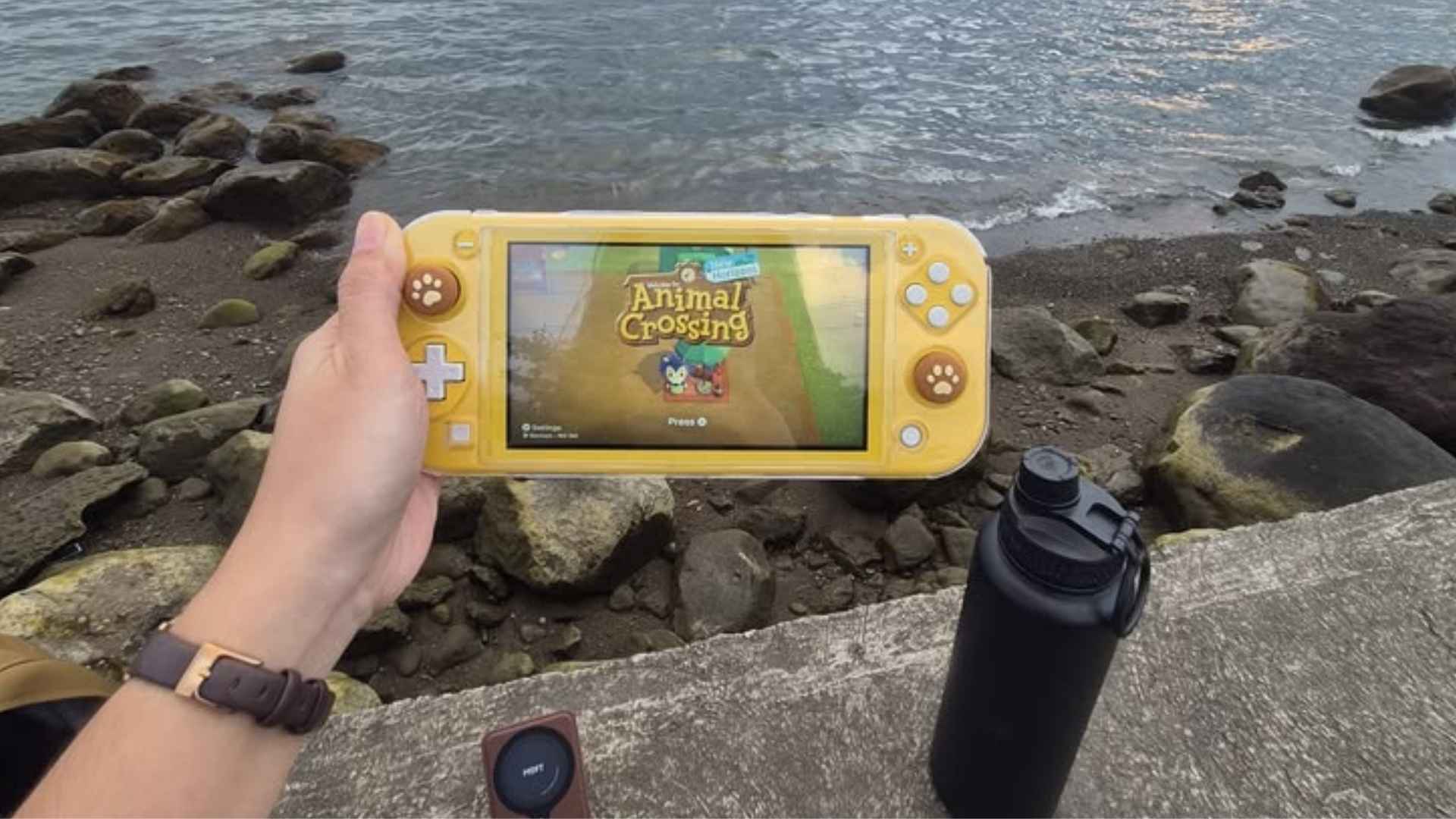
Stargazing in Animal Crossing: New Horizons offers players a peaceful evening activity that yields valuable crafting materials. Shooting stars light up the night sky during meteor showers, giving island residents a chance to make wishes and gather rare resources. Mastering this mechanic allows you to craft special DIY recipes provided by Celeste, including cosmic furniture and wand items.
Meteor showers can occur randomly on clear nights between 7:00 PM and 4:00 AM. Isabelle will often announce major meteor showers during her morning broadcast, making it easy to plan ahead. However, light showers can also happen unannounced, so listening carefully for a subtle twinkling sound while walking outside is key.
Visiting villagers may also mention the clear night sky, hinting at potential celestial activity. Checking with Celeste when she visits your island can confirm whether stars will fall that evening. She often wanders around elevated areas and will grant you unique DIY recipes when approached.
To successfully wish on a star, you must first unequip any tools or items your character is holding. Tilt your camera angle upward using the right analog stick so you have a full view of the night horizon. When you hear the soft chime of a falling star, quickly press the A button to make your character bow and make a wish.
If performed correctly, the shooting star will glow brightly as it passes across the sky. Multiple stars usually fall in quick succession, allowing you to make several wishes within a short window. Continuing to watch the sky ensures you do not miss subsequent bursts of celestial activity.
After a night of making wishes, your rewards will wash ashore on your island's beaches the following morning. Walk along the sandy shores starting at 5:00 AM to spot glowing yellow, large, or zodiac-themed fragments. Simply walk up to each fragment and press the A button to pick it up into your inventory.
Keep in mind that there is a daily limit to how many fragments will appear on your beach. Wishing maximum times capped around twenty wishes will grant up to twenty fragments for a single player. If visitors join your island and wish on stars, your total beach spawn limit can increase slightly.
Unlocking rare star fragments depends partly on the current date and your zodiac sign period. Each month corresponds to a specific zodiac fragment, which is required for crafting themed furniture recipes. Using these materials wisely helps complete your celestial collection and transform your island layout.
Casino Host Jobs Las Vegas Exploring Careers in Casino Hospitality
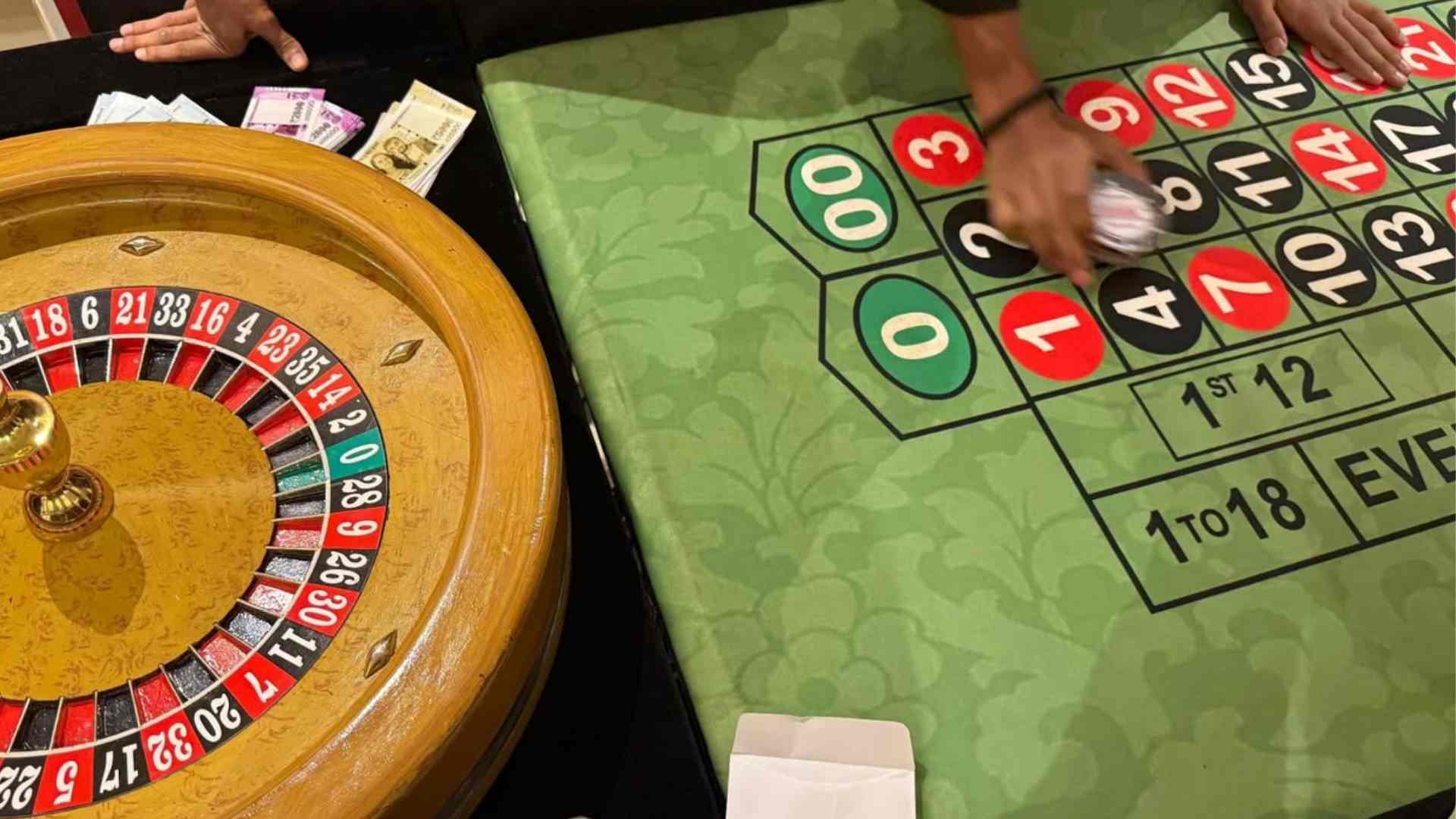
Las Vegas remains the global epicenter of gaming and entertainment, creating a constant demand for skilled professionals who can deliver top-tier guest experiences. Among the most sought-after roles in major resorts are casino host jobs, which sit right at the intersection of customer service, sales, and relationship management. Understanding how these roles function provides valuable insight for anyone looking to build a rewarding career in resort hospitality.
A casino host serves as the primary liaison between a resort property and its high-value gaming guests. Their main goal is to build long-term relationships, ensuring VIP players feel valued and comfortable throughout their visit. Hosts arrange accommodations, reserve fine dining tables, and coordinate event access based on player activity.
Beyond personal customer service, casino hosts analyze gaming metrics and player tracking data to evaluate complimentary offers. They must balance guest satisfaction with property profitability by offering appropriate incentives. Successful hosts maintain active communication with clients even when they are away from the strip.
Working as a host in Nevada requires exceptional interpersonal communication and strong emotional intelligence. Professionals in this field must navigate diverse personalities while maintaining poise under pressure. Strong conflict-resolution skills are also critical when handling special requests or billing inquiries.
In addition to people skills, analytical capabilities play a vital role in daily operations. Modern hospitality environments, including global brands like m88 mansion, rely heavily on data management systems to monitor player preferences and loyalty statuses. Understanding how to interpret customer relationship software allows hosts to tailor services efficiently.
Entry into casino hosting often starts through related customer-facing roles such as front desk operations, VIP concierge services, or player club representatives. Advancing to a executive host position typically requires a proven track record of player retention and revenue generation. Over time, experienced hosts can transition into senior management roles overseeing entire player development departments.
The career trajectory in Las Vegas hospitality offers substantial networking opportunities across the gaming sector. Because customer service standards in Nevada set global benchmarks, experienced hosts often find flexible career options across international resort markets. Continuous learning in hospitality trends keeps professionals competitive in this evolving landscape.
Life as a casino host involves irregular working hours, including nights, weekends, and holidays when gaming traffic reaches peak levels. Hosts spend considerable time on the casino floor engaging directly with guests and monitoring live events. Building a steady clientele requires persistence, dedication, and genuine passion for hospitality.
Despite the fast-paced environment, the role offers high job satisfaction for individuals who thrive on social interaction. Building lasting professional relationships and helping create memorable experiences makes casino hosting a distinctively dynamic career path in Las Vegas.

Online Casino Games Free Bonus Offers And Features
Digital gaming platforms continuously innovate to capture player interest, offering a wide array of promotional incentives and interactive mechanics. Free bonus offers serve as a primary gateway for enthusiasts aiming to sample software features without immediate financial risk. Understanding how these incentives function alongside core gaming mechanics enables users to navigate digital lobbies effectively while maintaining responsible habits.
Online gaming operators provide distinct categories of promotional deals tailored to different playing styles. Free spins are generally targeted toward slot enthusiasts, allowing users to experience specific reels without spending personal balances. No-deposit incentives present another popular option, granting immediate credits upon successful registration to evaluate overall site performance.
Complementary rewards often extend beyond standard casino games to encompass alternative entertainment options. For instance, players exploring diverse gaming ecosystems often look into m88 cá cược thể thao trực tuyến to balance traditional casino play with dynamic sports coverage. Evaluating the structural differences across these reward categories helps users choose promotions that complement their gaming goals.
Beyond promotional value, modern software architecture plays a crucial role in shaping user engagement. High-definition visuals, immersive audio design, and interactive bonus rounds transform routine sessions into dynamic experiences. Mechanics such as cascading reels, expanding wild symbols, and progressive multipliers offer varied payout structures across different titles.
Fairness across all gaming categories is maintained through certified Random Number Generation software. Independent auditing firms regularly inspect these systems to verify that outcomes remain purely chance-driven and unmanipulated. Transparency regarding mathematical return-to-player percentages empowers participants to make well-informed selections.
While bonus incentives provide clear advantages, they consistently operate under regulatory terms and conditions. Wagering requirements dictate how many times bonus credit must be cycled before winnings become eligible for withdrawal. Maximum conversion caps and game eligibility weightings also influence the ultimate utility of a promotional offer.
Expiration dates require careful consideration, as unused credits normally forfeit after a designated timeframe. Understanding these rules prevents misunderstandings and ensures a smoother interaction with customer service channels. Responsible participants prioritize platforms that state their policies in clear, accessible language.
To optimize initial promotional balances, players often benefit from selecting games with higher theoretical payout rates and lower volatility. This balanced approach helps extend playing duration while steadily progressing toward promotional rollover requirements. Exploring demo modes before activating real-money incentives allows users to master rules risk-free.
Ultimately, treating promotional credits as educational resources yields the best long-term outcome. Allocating fixed time limits and adhering to preset entertainment budgets maintains personal control. Staying informed about evolving features ensures a safe, enjoyable, and rewarding digital gaming experience.
Recent Lottery Winners in NC Yesterday: How to Find the Latest Winner Updates
Tracking the latest North Carolina lottery results allows players to see if yesterday's drawings brought life-changing wins to local residents. With daily drawings for games like Powerball, Mega Millions, and Carolina Pick 3, staying informed requires reliable sources. Discovering recent winner announcements helps enthusiasts verify their tickets and follow community success stories.
The most reliable way to check yesterday's lottery winners in NC is through the official North Carolina Education Lottery website. The platform updates daily drawing results alongside verified reports on top prize winners. Players can also sign up for email notifications to receive immediate updates on winning numbers.
Mobile applications managed by the state lottery provide another convenient avenue for real-time verification. Users can scan physical tickets directly through their smartphones to check for instant matches. These digital tools significantly reduce the risk of overlooking a winning combination.
Local television stations and news publications across North Carolina regularly cover major lottery breakthroughs from yesterday's drawings. Outlets in cities like Raleigh, Charlotte, and Greensboro frequently highlight retail stores that sold winning tickets. These regional news reports often feature interviews with new local millionaires.
Beyond traditional broadcasts, media websites publish detailed breakdowns of daily payout totals. Readers interested in digital gaming trends or promotional codes sometimes explore platforms like 促销代码 m88 to compare global entertainment updates. However, official state news remains the definitive source for local drawing verification.
Official social media channels operated by the North Carolina Education Lottery post regular updates regarding recent winners. These posts detail the winning ticket amounts, draw dates, and specific locations where tickets were purchased. Social platforms offer a quick way to catch breaking news right on your feed.
Community forums and online player groups also discuss daily outcomes and shared luck among participants. Engaging with these communities provides valuable context on prize distribution trends across the state. Always double-check claims made in online forums against official state announcements.
If your ticket matches yesterday's winning numbers, secure the physical ticket immediately by signing the back. Smaller prizes can typically be claimed at authorized local retailers, while major jackpot prizes require visiting a regional claim center. Following established security protocols guarantees a smooth prize collection process.
Winners should also consult financial advisors or legal professionals before claiming substantial sums. Understanding tax obligations and claim deadlines ensures long-term security for your new assets. Timely action helps maximize the benefits of any lottery victory.
Semua artikel sudah ditampilkan.